Strategy Execution Blog
Explore strategy execution guides, BI tips, the latest innovations in analytics, and data literacy roadmaps, along with the latest software release info – your comprehensive resource for achieving peak performance.


Strategic Health Assessment
Learn how your organization’s strategy execution and alignment stacks up against industry leaders, and identify opportunities for immediate improvement.
Take the Assessment





Live Demo
Join us for a one-on-one interactive session to explore Spider Impact and answer your questions in real-time.
Book a Demo


KPI Software
Manage KPIs with Spider Impact. Set goals, track progress, and unlock insights for peak performance.
Explore KPI Software


Help from Experts
If your organization hasn’t fully defined its strategic plan, we've partnered with world-class experts to fast-track your strategy.
Get Expert Help


Strategic Health Assessment
Learn how your organization’s strategy execution and alignment stacks up against industry leaders, and identify opportunities for immediate improvement.
Take the Assessment





Live Demo
Join us for a one-on-one interactive session to explore Spider Impact and answer your questions in real-time.
Book a Demo




KPI Software
Manage KPIs with Spider Impact. Set goals, track progress, and unlock insights for peak performance.
Explore KPI Software



Help from Experts
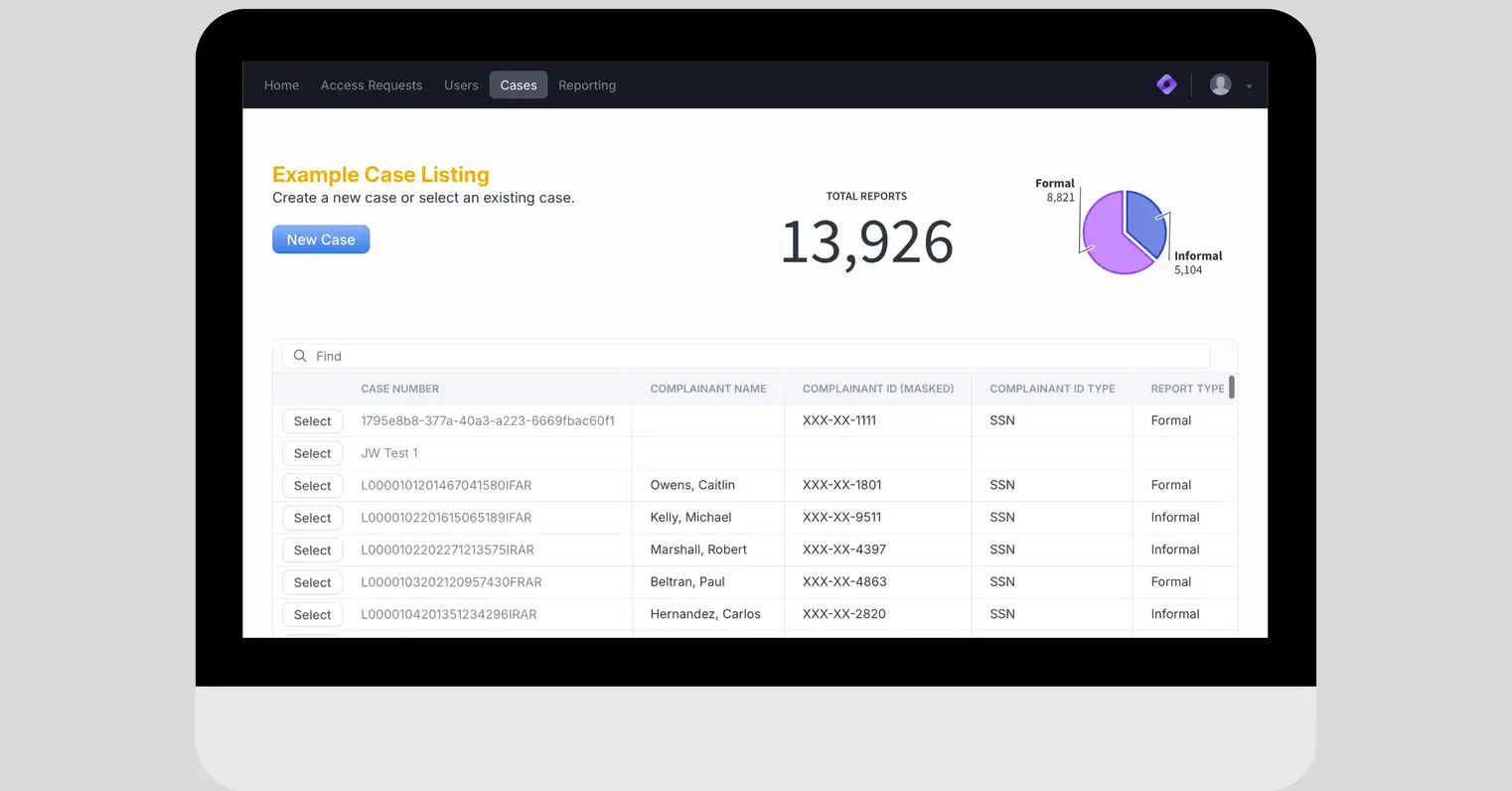
If your organization hasn’t fully defined its strategic plan, we've partnered with world-class experts to fast-track your strategy.
Get Expert Help






Strategic Health Assessment
Learn how your organization’s strategy execution and alignment stacks up against industry leaders, and identify opportunities for immediate improvement.
Take the Assessment








Live Demo
Join us for a one-on-one interactive session to explore Spider Impact and answer your questions in real-time.
Book a Demo










KPI Software
Manage KPIs with Spider Impact. Set goals, track progress, and unlock insights for peak performance.
Explore KPI Software







Help from Experts
If your organization hasn’t fully defined its strategic plan, we've partnered with world-class experts to fast-track your strategy.
Get Expert Help









Strategic Health Assessment
Learn how your organization’s strategy execution and alignment stacks up against industry leaders, and identify opportunities for immediate improvement.
Take the Assessment










Live Demo
Join us for a one-on-one interactive session to explore Spider Impact and answer your questions in real-time.
Book a Demo










KPI Software
Manage KPIs with Spider Impact. Set goals, track progress, and unlock insights for peak performance.
Explore KPI Software








Help from Experts
If your organization hasn’t fully defined its strategic plan, we've partnered with world-class experts to fast-track your strategy.
Get Expert Help







Strategic Health Assessment
Learn how your organization’s strategy execution and alignment stacks up against industry leaders, and identify opportunities for immediate improvement.
Take the Assessment








Live Demo
Join us for a one-on-one interactive session to explore Spider Impact and answer your questions in real-time.
Book a Demo









KPI Software
Manage KPIs with Spider Impact. Set goals, track progress, and unlock insights for peak performance.
Explore KPI Software







Help from Experts
If your organization hasn’t fully defined its strategic plan, we've partnered with world-class experts to fast-track your strategy.
Get Expert Help



Strategic Health Assessment
Learn how your organization’s strategy execution and alignment stacks up against industry leaders, and identify opportunities for immediate improvement.
Take the Assessment



Live Demo
Join us for a one-on-one interactive session to explore Spider Impact and answer your questions in real-time.
Book a Demo
KPI Software
Manage KPIs with Spider Impact. Set goals, track progress, and unlock insights for peak performance.
Explore KPI SoftwareDemo then Free Trial
Schedule a personalized tour of Spider Impact, then start your free 30-day trial with your data.