Meet Impact Assistant: The AI Built Into Spider Impact
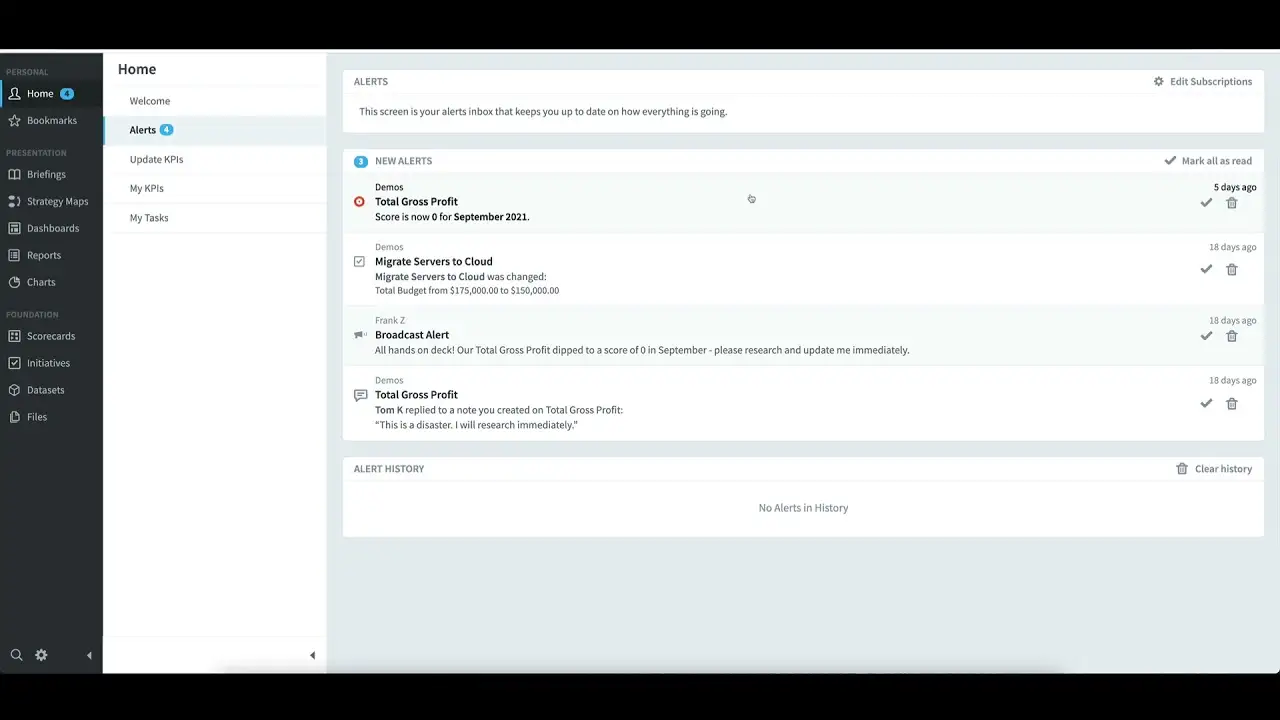
See how Spider Impact’s AI Assistant helps teams instantly access KPI and strategy insights using natural language. Impact Assistant is the AI assistant built right into Spider Impact. Just click the icon in the lower-left corner to open a chat dialog and ask questions by text or voice. In this demo, you'll see Impact Assistant do three things: Answer how-to questions about the software. Our entire support documentation is built in, so the AI can walk you through features like sharing forms publicly, point you to the relevant admin settings, and link to the full support articles. Query your data sets in plain language. Ask questions like "How many devices did I sell last year?" or "Break this down monthly" and Impact Assistant turns your question into a real data set query, respecting the permissions you already have. It generates line charts, bar charts, pie charts, and single-value answers, and it follows the conversation so you can iterate without restating the whole question. Charts can be saved to your organization with one click. Surface insights automatically. Ask "What interesting insights can I find in my device sales data?" and Impact Assistant suggests breakdowns and visualizations worth exploring, which is a great starting point for ad hoc analysis. Ready to explore it yourself? Schedule a demo and free trial: https://www.spiderstrategies.com/demo #AI #StrategyExecution #KPIs
Getting Started




Demo then Free Trial
Schedule a personalized tour of Spider Impact, then start your free 30-day trial with your data.